
Short Throw vs Standard Projectors for Golf Sim Setup
Discover the pros and cons of short throw projector golf simulator setups versus standard projectors to choose the best fit for your space and experience.
PROJECTORSSIMULATORS
Golf Tech Buzz Editorial Team - Led by AJ “Buzz” Eichman
4/27/20265 min read
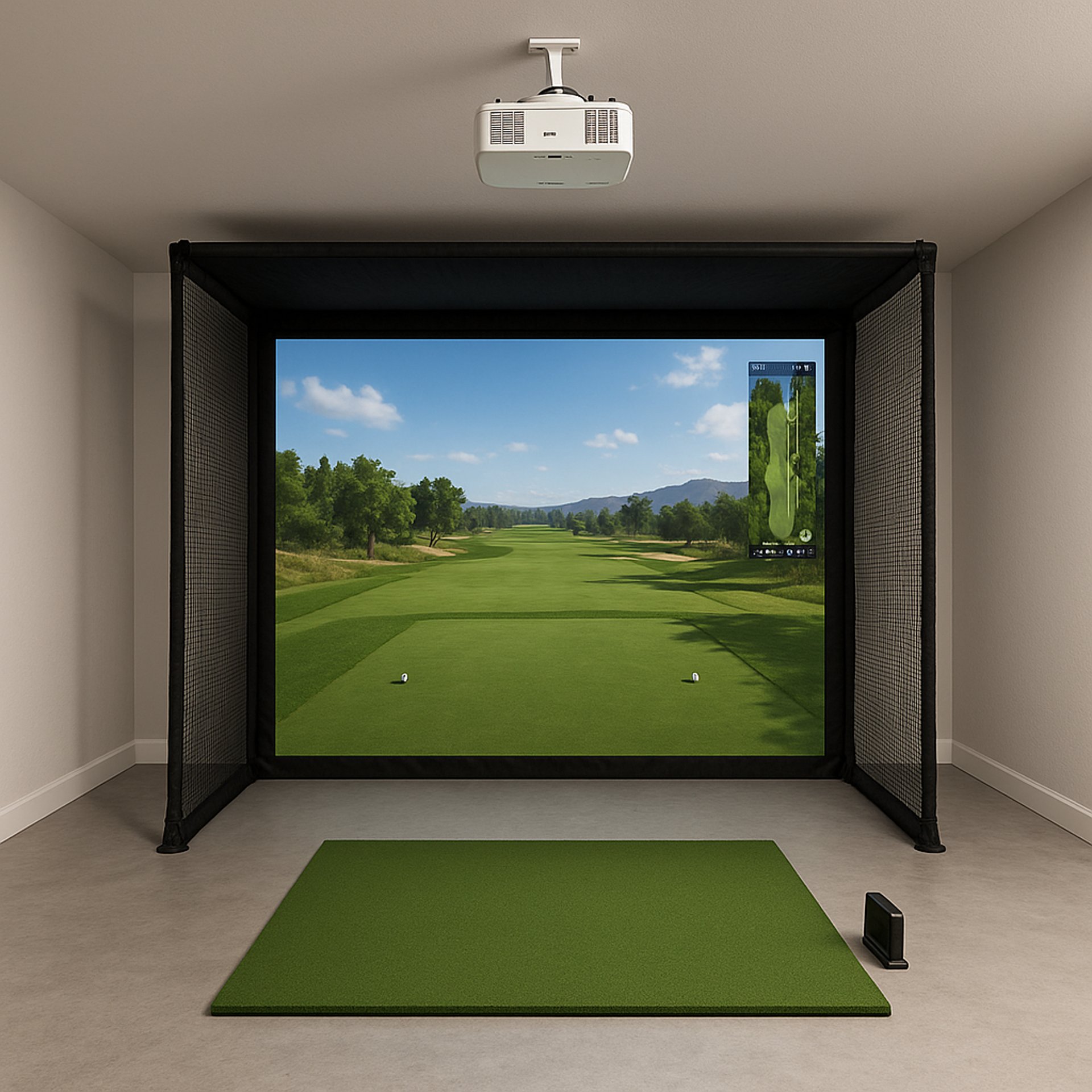
If you’re diving into the world of golf simulators, one thing becomes clear fast: your projector choice can make or break the whole setup. Whether you’ve got a cozy garage corner or a spacious basement, how and where the projector throws the image changes everything — from the crispness of your swing replay to how much room you actually need to play comfortably.
Before choosing between projector types, make sure your full setup is dialed in with the Golf Sim Projectors pillar so everything works together properly.
In short, picking between a short throw projector golf simulator setup or a standard projector isn’t just about size; it’s about the whole experience.
Here’s the deal — short throw projectors are like putting a caddy right next to you, delivering big images from barely a few feet away. Standard projectors, on the other hand, like to take a few large strides back, shining their image from a distance and generally showing off better brightness and sharpness. I’ve tested both in my winter leagues and simulated countless rounds, so let me break down what really matters.
Quick Verdict
Short throw projectors maximize space in tight rooms or garages, perfect if you can’t stretch far.
Standard projectors usually deliver brighter, crisper images but require more room.
Your choice hinges on available space, budget, and how immersive you want your golf sim experience.
Proper mounting and brightness are non-negotiable — regardless of which projector you pick.
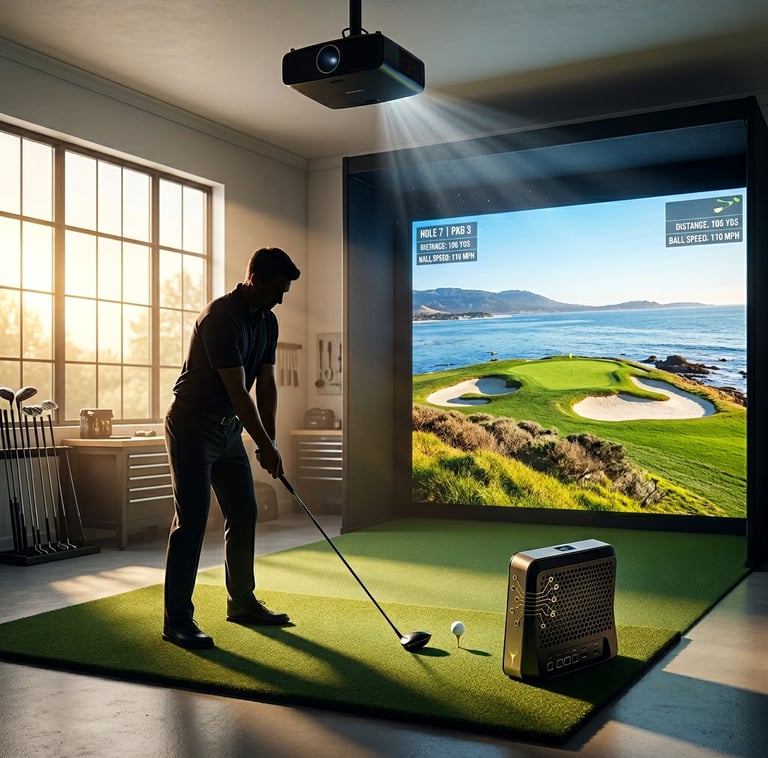
Overview of Projector Types: Short Throw vs Standard
You’ve probably heard the terms floating around, but let’s clarify the difference.
Short throw projectors have a throw ratio under 1.0, meaning they can project a large image from very close to the screen — often just a few feet away. That wide-angle lens is their secret sauce, making them ideal for cramped spaces.
If you need a deeper breakdown of how throw ratios impact setup, What Throw Ratio Do You Need for a Golf Projector? ties directly into how these projectors behave.
Standard projectors rock a throw ratio above 1.5, needing significantly more distance to hit the same image size. Think of them as needing a backyard to shine — or at least a decent-sized room.
How Throw Distance Affects Golf Simulator Setup
Here’s the real-world kicker: projector distance has a domino effect on everything else in your sim room.
With a short throw projector golf simulator setup, you’re saving a lot of space. That means you don’t have to wedge your net, screen, and stance awkwardly to accommodate a bulky projector setup.
If you're trying to optimize placement in tighter rooms, Best Projector Placement for Small Golf Simulator Rooms will help you avoid common setup mistakes.
Standard projectors need room to “breathe.” I’ve seen guys try to cram a standard projector into tight spaces, and the image warps or the device gets cramped, which kills the immersion.
Image Quality and Brightness Considerations
If you’re chasing pinpoints and true greens, image quality can’t be an afterthought.
Standard projectors generally edge out short throw ones in raw brightness and clarity, especially at larger image sizes. Higher lumens help your sim cut through ambient light.
If you’re dialing in brightness alongside projector type, What Lumens Do You Need for a Golf Simulator? will help you avoid washed-out visuals.
That said, short throw projectors can absolutely perform when matched with the right room and lighting setup.
Space Requirements and Installation Tips
Short throw projectors are absolute lifesavers for those with limited space. They mount close to the screen, cutting down on cable runs and mounting complexity.
However, placement has to be precise. If it’s off even slightly, distortion creeps in fast.
If you’re unsure whether short throw is actually necessary for your setup, Do You Need a Short Throw Projector for Golf Sims? helps you make that call.
Standard projectors give you more mounting flexibility but demand more room and careful alignment to avoid shadows and distortion.
Cost and Upgrade Considerations
Short throw projectors can be pricier upfront due to more complex optics. But when you factor in room limitations, they often make more sense.
If you’re comparing real-world projector performance and value, Optoma UHZ35ST vs XGIMI HORIZON 20 Pro shows how different setups stack up.
For broader options across budgets, Best Projectors for Golf Simulators and Best Projectors Under $1,000 give you solid starting points.
Common Mistakes to Avoid
Ignoring your room size
Underestimating brightness
Assuming short throw always means better image quality
Sloppy mounting
Not matching projector to screen size
If you're dealing with shadows or uneven visuals, Why Your Golf Simulator Projector Has Shadows (Fix Guide) can help you troubleshoot quickly.
FAQs About Golf Sim Projector Choices
What is the main difference between short throw and standard projectors for golf simulators?
Short throw projectors cast large images from close distances (under 1 foot to a few feet), while standard projectors need more throw distance (several feet or more) to produce the same image size.
How much space do I need for a short throw vs a standard projector setup?
Short throw projectors work well in rooms as small as 8x10 feet or garages with limited ceiling height, while standard projectors usually require at least 12-15 feet of throw distance and higher ceilings.
Are short throw projectors more expensive than standard ones?
Generally, yes. Short throw models often cost more due to specialized optics, though this may be offset by savings from not needing a bigger room or remodel.
Which projector type provides better image quality for golf simulation?
Standard projectors tend to offer brighter, sharper images at larger sizes, but high-quality short throw projectors can be very close in performance when paired with proper screens and lighting.
How does projector brightness affect the golf sim experience?
Higher brightness (lumens) is critical to combat ambient light and deliver a clear, sharp image, especially in non-dark rooms or during daylight hours.
Can I use a gaming projector for my golf simulator?
Yes, gaming projectors can be great due to faster refresh rates and better color reproduction, which enhance the realism of your golf sim experience.
What are common installation challenges for short throw projectors?
Precise placement is key—improper mounting causes keystone distortion, focus issues, and image warping. Calibration is often more involved than with standard projectors.
Is it possible to upgrade from a standard to a short throw projector easily?
Not usually plug and play. You’ll likely need to adjust mounts, screen placement, and recalibrate the entire setup due to differences in throw ratio and lens properties.
Conclusion: Choosing the Right Projector for Your Setup
Look, if you’re short on space and need to keep that golf sim running without remodeling your entire basement, short throw projectors are your best friends.
But if you’ve got the room and want top-tier image quality, a standard projector will give you a brighter, sharper picture.
Either way, don’t cut corners on brightness, mounting, or calibration — those are what separate a good setup from a great one.
© 2026 GolfTechBuzz. All rights reserved.
Golf Tech Buzz
Performance Through Data
Practical guides, real-world setups, and unbiased comparisons for golfers building smarter practice environments.
General Inquiries: