

What PC Specs Do You Need for a Golf Simulator?
Discover the essential PC specs for golf simulator setups to ensure smooth graphics, accurate data, and immersive indoor golfing experiences.
COMPUTERS
Golf Tech Buzz Editorial Team - Led by AJ “Buzz” Eichman
5/5/20267 min read
If you’re serious about bringing the golf course indoors, you can’t just slap any old computer next to your mat and call it a day. The PC is the beating heart of your golf simulator setup — it’s the hub where all the data from your sensors, cameras, and launch monitors is processed and turned into those sweet, crisp visuals that make you feel like you’re actually teeing off at Augusta or Pebble Beach.
Here’s the deal: pick a PC that’s underpowered, and you’ll find yourself dealing with lag, choppy graphics, or worse, inaccurate shot data. Nobody wants that — especially not when you’re trying to dial in your swing or impress your buddies on a winter league night. So let’s break down exactly what PC specs you need to get your simulator running like a champ. To get a full overveiw, check out our main page - Golf Simulator Computers.
Quick Verdict
A fast multi-core CPU (Intel i5/i7 or AMD Ryzen 5/7) is essential for smooth simulation and quick data processing.
A dedicated GPU (NVIDIA GTX/RTX or AMD equivalent) elevates image quality and frame rates — integrated graphics just can’t cut it.
Aim for at least 16GB of RAM to keep things running smooth, even when juggling multiple software and background tasks.
An SSD isn’t just a nice-to-have; it slashes loading times and keeps your simulator responsive, saving you from frustrating waits.
Plenty of USB ports and reliable display outputs (HDMI/DisplayPort) are a must for hooking up sensors, cameras, and screens.
If you’re trying to match your build to actual software demands, check Golf Simulator PC Requirements by Software or go deeper with the Complete Golf Simulator Computer Guide.
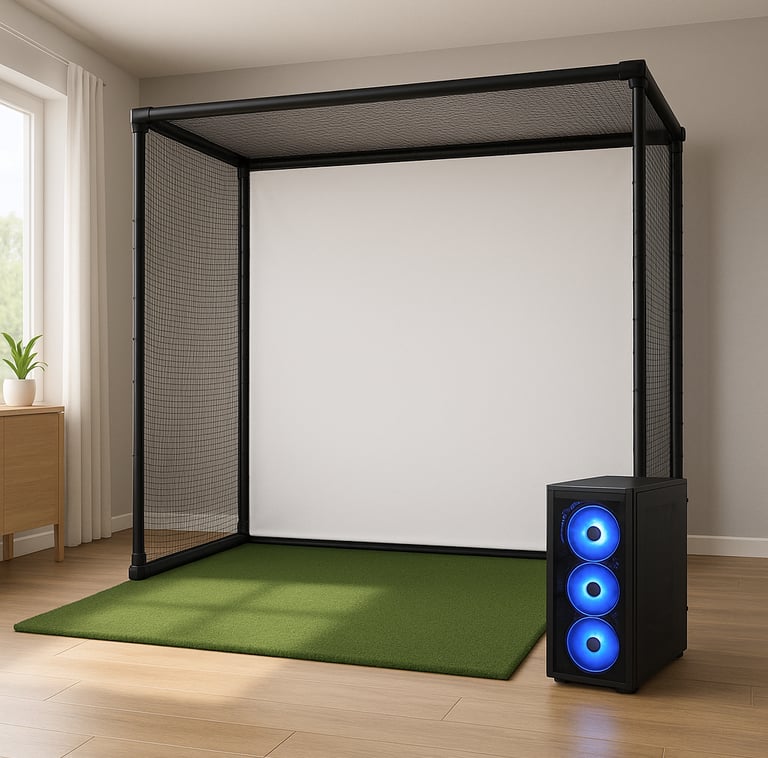
Understanding Golf Simulator Technology and the PC’s Role
A golf simulator isn’t just a fancy video game. It’s a sophisticated system that relies on real-time computation of ball flight, club path, speed, and face angle. Your PC takes raw input from launch monitors or sensor rigs, crunches the numbers, and delivers a visually immersive experience with dynamic courses, instant shot feedback, and statistical analysis.
That’s why your PC is more than just a screen and keyboard—it’s your golf command center. It’s handling complex physics calculations, graphics rendering, and data communication all at once. If the specs aren’t up to par, you’ll notice delays, jittery graphics, or incorrect data readings, which kill the whole point of a simulator.
Key PC Specifications for Golf Simulators: CPU, GPU, RAM, Storage
CPU – The brain of your setup. Simulation software benefits from multi-core CPUs with high clock speeds. A modern Intel i5/i7 or AMD Ryzen 5/7 will handle the computational demands without breaking a sweat. I’ve seen guys try setting up simulators on older dual-core or budget processors — and trust me, that lag is unreal. The CPU needs to process swing data, run the simulation engine, and manage software all simultaneously, so don’t skimp here.
If you’re comparing builds, Entry-Level vs High-End Golf Simulator PC helps clarify where performance jumps actually matter.
GPU – You’ll want a dedicated graphics card. Integrated graphics just can’t push the frame rates or render realistic courses in high detail. Cards like the NVIDIA GTX or RTX series or their AMD equivalents provide smooth visuals and vibrant colors that make your virtual rounds feel legit. Plus, when you’re running multi-screen setups or 4K displays, a solid GPU becomes non-negotiable.
For specific recommendations, see Best GPUs for Golf Simulators and also break down requirements in What GPU Do You Need for a Golf Simulator?.
RAM – 16GB of memory is the sweet spot for most golf simulators. Less than that and you might notice software stuttering or slower response times. 16GB ensures your PC can multitask — running the simulation alongside background apps or streaming music shouldn’t cause hiccups.
If you’re unsure how much is enough, check How Much RAM Do You Need for a Golf Simulator?.
Storage – Swinging with a slow hard drive is a waste of time. An SSD speeds up loading times dramatically, so your software, course maps, and shot replay load in a flash. Plus, studio-quality simulation software can be pretty hefty, so having fast storage makes a difference in day-to-day enjoyment.
For a deeper breakdown, see SSD vs HDD for Golf Simulators.
Connectivity – Don’t overlook ports. You’ll need several USB 3.0 (or better) connections for your launch monitor, sensors, and other peripherals. HDMI or DisplayPort outputs connect your projector or monitors, and stable Wi-Fi or Ethernet keeps everything updated, especially for online software features or remote coaching.
Minimum vs Recommended PC Specs Explained
Here’s the kicker — not all golf simulators are created equal, so minimum specs might get a budget setup working, but they won’t offer the experience you want if you’re serious about your practice.
Minimum specs usually mean:
Mid-range quad-core CPU (like Intel i3 or Ryzen 3)
Basic dedicated GPU or decent integrated graphics
8GB RAM
Standard HDD or small SSD
These could run entry-level simulators but expect compromises: slower load times, lower graphic settings, and occasional lag.
Recommended specs, on the other hand, look like this:
Intel i5/i7 or AMD Ryzen 5/7 with multiple cores and high clock speeds
NVIDIA GTX 1660 or RTX 2060 (or better), or AMD RX 5600+ equivalent GPU
16GB+ RAM
500GB or larger SSD storage
This setup keeps things buttery smooth and future-proof, letting you run high-end simulation software, multi-display setups, and maybe even some light video editing or game streaming on the side.
If you’re shopping builds right now, Best Golf Simulator Computers by Performance Level and Best Golf Sim Computers Under $2500 are solid starting points.
Choosing a Gaming PC vs Standard PC for Golf Simulation
If you’re thinking, “Can I just use my office PC or some budget laptop?” — hold up. Gaming PCs often offer better bang for your buck in this world because they’re built with strong GPUs, faster CPUs, and sufficient cooling. Office or budget PCs tend to skimp on graphics power and cooling, which can cause the sim to stutter or overheat during long sessions.
That said, high-end gaming PCs are not essential for entry-level setups, but if you want crisp visuals, fast response, and reliability, a gaming rig is a solid investment. Plus, prebuilt gaming PCs are often easier to upgrade, which matters if you plan to keep your setup current over multiple golf seasons.
If portability matters, Best Laptops for Golf Simulators and Best Golf Sim Laptops for Mobile Business Use break that down further.
Hardware Compatibility and Connectivity Needs
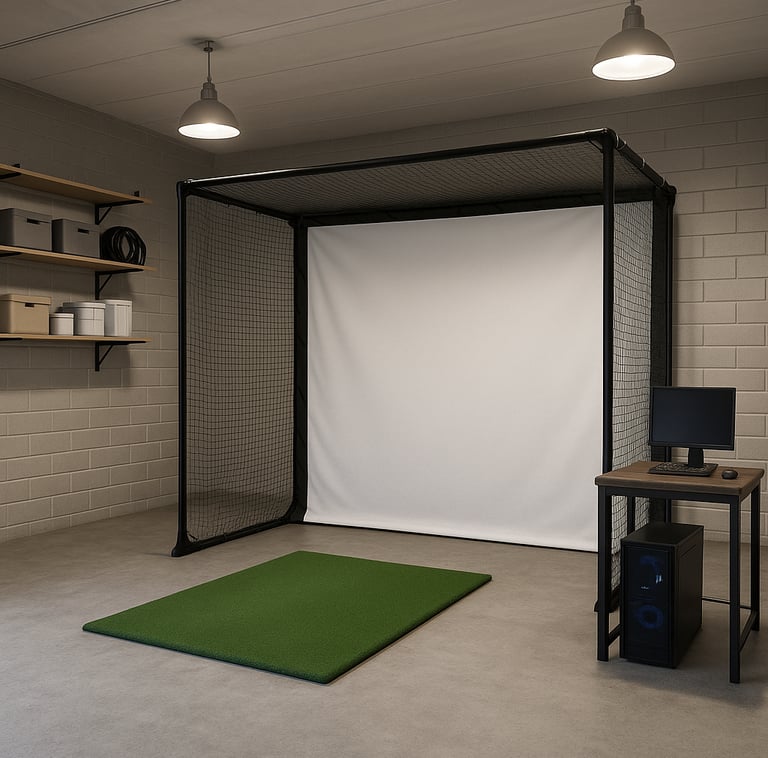
This one trips up a lot of folks. Golf simulators often come with specific hardware interfaces — like USB ports for sensors or HDMI/DisplayPort for connecting projectors or monitors. Make sure your PC has enough USB 3.0/3.1 ports, and if you’re running multiple screens, that your graphics card supports multiple outputs.
Some simulators even have strict compatibility lists with recommended PC specs or brands. It’s smart to check with your simulator’s software maker to avoid buying a system that just won’t play nice with your gear.
Common Mistakes to Avoid When Selecting a PC
Underestimating GPU Needs
I see guys trying to run a golf simulator on integrated graphics alone — it’s a no-go for anything beyond the simplest setups. The visual experience suffers big time with choppy frame rates and poor rendering.
Buying Too Little RAM
Less than 16GB often means lag, freezing, or long wait times when juggling simulation software and other tasks. Don’t make this rookie mistake.
Ignoring Connectivity Requirements
You need enough USB ports for sensors and cameras, plus proper video outputs for your displays. One USB port? No thanks.
Skipping Software Compatibility Checks
Each simulator might have its own system requirements or certified hardware lists. Don’t ignore these — missing compatibility can kill the entire process.
Not Planning for Upgrades
Tech moves fast. If your PC can’t be upgraded, you’re stuck with outdated gear. Pick a build that lets you swap in more RAM, a newer GPU, or faster storage when the time comes.
Upgrading Your PC for Better Golf Simulator Performance
Bought a decent PC but feeling it’s starting to show its age? Upgrading components like adding more RAM, swapping to a better GPU, or switching from HDD to SSD storage can breathe new life into your simulator experience without dropping a full paycheck.
If your CPU is the bottleneck, that’s trickier — might be time for a new machine. But storage and RAM upgrades are usually pretty straightforward DIY projects.
If you’re deciding whether to upgrade or replace, Prebuilt vs Custom PC for Golf Simulators and Are Prebuilt Gaming PCs Good Enough for Golf Simulators? can help you weigh that out.
Frequently Asked Questions About PC Specs for Golf Simulators
What is the minimum PC specification to run a golf simulator?
Minimum specs vary by software but generally include a quad-core CPU, dedicated or decent integrated GPU, 8GB RAM, and an SSD or fast HDD. Still, expect better performance with higher specs.
Do I need a gaming PC for a golf simulator?
Not strictly, but gaming PCs usually deliver the CPU and GPU muscle needed for smooth visuals and quick data processing, making them the best choice if you want high-quality simulation.
Can a laptop be used for a golf simulator?
Yes, but only if it has a dedicated GPU and enough power—typically a gaming laptop. Standard office laptops or ultrabooks generally won’t cut it.
How much RAM is needed for smooth golf simulation?
At least 16GB is recommended to handle simulation software alongside other tasks without lag.
Which GPU brands or models are best for golf simulators?
NVIDIA’s GTX and RTX series or AMD’s RX 5000 and 6000 series GPUs are great choices for smooth and vibrant graphics.
Is SSD storage necessary for golf simulator software?
While not mandatory, SSDs vastly improve load times and responsiveness, making your golf sessions more enjoyable.
What connectivity ports are required for golf simulator hardware?
You’ll need multiple USB 3.0 or higher ports for sensors, HDMI or DisplayPort for monitors/projectors, and Ethernet or Wi-Fi to keep online functions running.
How do PC specs affect the accuracy and realism of the golf simulator?
Specs impact processing speed and graphics rendering, so better hardware results in more accurate shot analysis and more immersive visuals.
Conclusion
Look, if you’re going to pour time and money into a golf simulator, don’t let a weak PC kill the vibe. Think of your computer as the caddy that’s with you on every shot — it needs to be sharp, reliable, and ready to perform under pressure. Your best bet is a system with a strong multi-core CPU, a dedicated GPU, at least 16GB of RAM, fast SSD storage, and plenty of ports for all your accessories.
Whether you’re practicing winter rounds in the garage or running a high-end training studio, good PC specs make the difference between a clunky experience and hitting “hole-in-one” level performance indoors. So gear up right, trust your swing, and enjoy every shot—because nobody wants their simulator to be the weak link in the game.
© 2026 GolfTechBuzz. All rights reserved.
Golf Tech Buzz
Performance Through Data
Practical guides, real-world setups, and unbiased comparisons for golfers building smarter practice environments.
General Inquiries: