

1080p vs 4K Golf Simulator Performance
Discover how a 1080p golf simulator balances sharp visuals and performance, and when upgrading to 4K enhances your golf simulation experience.
COMPUTERS
Golf Tech Buzz Editorial Team - Led by AJ “Buzz” Eichman
5/5/20266 min read
If you’ve ever shopped for a golf simulator, you’ve probably noticed one big differentiator right out of the gate: resolution. Do you go for the trusty 1080p (Full HD) model, or do you splurge on a 4K setup with four times the pixels? This is where things get interesting because resolution isn’t just about eye candy—it directly impacts your visual experience, hardware demands, and overall simulator performance. If you want to see the full overview - check out Golf Simulator Computers.
Now, I’m the kind of guy who owns a computer repair shop and can nerd out on specs for days, but let's break this down simply so you can decide which resolution actually elevates your game without blowing up your budget or setup.
Quick Verdict
1080p golf simulators offer sharp visuals that suit most casual golfers and beginner setups, balancing performance and cost.
4K golf simulators deliver noticeably sharper, crisper images, heightening course detail and shot visualization for enthusiasts and advanced players.
Upgrading to 4K means beefier hardware (think stronger GPUs) and more planning for your room size and display quality.
For most golfers, 4K improves realism but doesn’t magically enhance shot accuracy or gameplay mechanics.
If you're comparing performance impact, Can You Use a Gaming PC for a Golf Simulator? and Can Your PC Run E6 CONNECT? help gauge what your system can actually handle.
Understanding Golf Simulator Resolution: 1080p vs 4K
Let’s get technical for a second: 1080p resolution means your display packs 1920 by 1080 pixels. That’s about 2 million pixels filling your screen. Enter 4K—usually 3840 by 2160 pixels—which cranks that number up to around 8 million pixels. The key takeaway? 4K packs four times the detail.
What does this mean for your golf simulator? It means the virtual fairways, greens, and hazards look clearer and more lifelike on 4K displays. Trees have defined leaves, water reflections shine with finesse, and even the finer textures like sand grain are more visible. Cool, right? But there’s a flip side.
For full system requirements, see Complete Golf Simulator Computer Guide.
How Resolution Affects Image Quality and Visual Detail
The difference in raw pixel count translates to noticeable improvements in image sharpness and detail. A 4K golf simulator can render courses like you’re genuinely standing on the grass, offering subtle visual cues that might get lost on a 1080p display. Shot trajectories and ball spin visualization become more nuanced when every pixel contributes to a crystal-clear image.
However, here’s what that actually means in real use: the gameplay itself—your swing, ball tracking, and shot data—doesn’t inherently get better just because your resolution is higher. The data tracking sensors and swing analysis tech power those features, not the screen resolution. So while 4K can immerse you in the game visually, don’t expect it to fix a shanked drive!
Hardware and Setup Requirements for Different Resolutions
This is where I tend to overthink things (let me do it so you don't have to). Running a 4K golf simulator demands considerably more from your computer and projector or display:
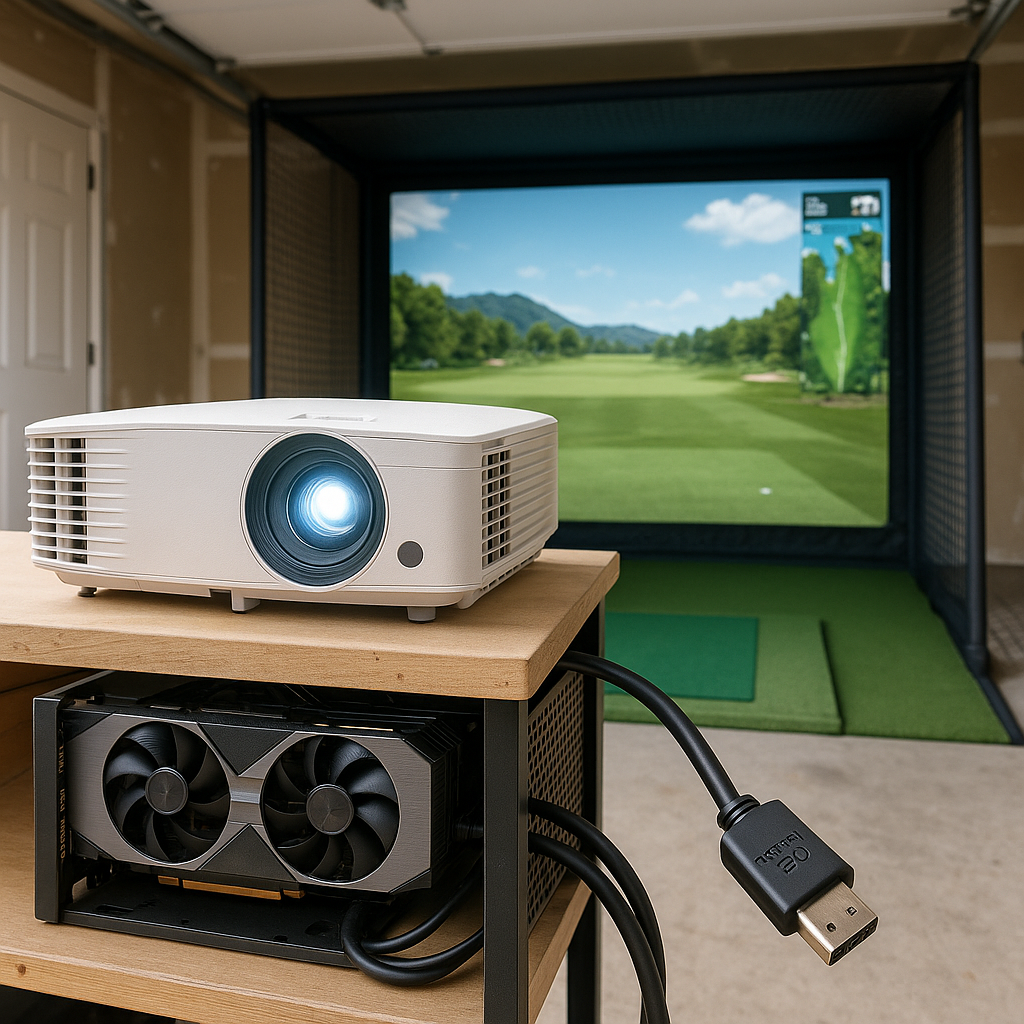
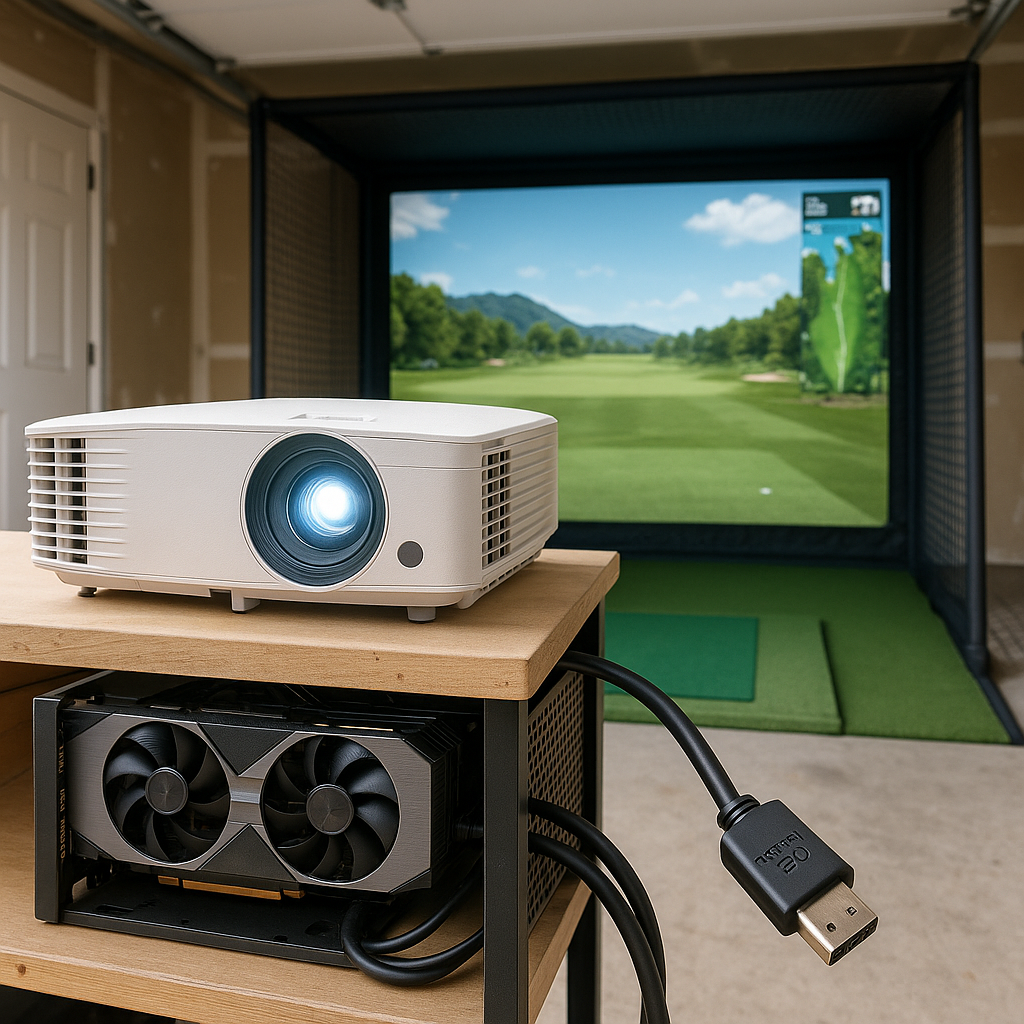
GPU Power: To render frames smoothly at 4K, you need a capable graphics card—a mid to high-end model, usually. 1080p setups can get away with more modest hardware.
Bandwidth and Cables: 4K video feeds require higher data bandwidth. Ideally, your setup should support HDMI 2.0 or newer to maintain stable frame rates and color accuracy.
Projector/Display Considerations: Not all projectors or TV screens are created equal. To truly appreciate 4K, your display must support native 4K resolution—not just upscale lower resolution content. Also, projector throw ratios and brightness levels matter; a bright, sharp 4K image needs adequate lumen output to fight indoor lighting.
Space & Room: 4K projectors often have specific distance and angle requirements to display sharp images. Small indoor spaces might limit how effectively you can deploy 4K technology.
If you're pairing hardware correctly, Best GPUs for Golf Simulators and Best Golf Sim Computers Under $2500 help align performance.
User Experience: Visuals, Realism, and Gameplay Impact
So, who feels the real impact of resolution upgrades? Visual immersion steps up significantly with 4K. The environment looks richer, and finer details help you read greens and course layouts more accurately. For golfers who care deeply about the look and feel of each shot, this ups the ante.
That said, many casual golfers or league players find 1080p visuals more than sufficient—and sometimes even prefer them because the overall system runs smoother with less hassle.
Budget Considerations and Value for Money
Here’s where the calculators come out. 1080p simulators usually cost less upfront and won’t have you upgrading your entire PC or projector setup. This is a solid choice if you’re budget-conscious or just dipping your toes into simulator golf.
In contrast, 4K setups are a bigger investment. You’re paying a premium for better image quality and might need to factor in new hardware and potentially additional room modifications.
For cost breakdowns, see How Much Does a Golf Simulator PC Cost?.
Most people assume 4K is the “best” choice no matter what, but that’s an oversimplification. Spending twice as much for slight visual gains that don’t tangibly improve your swing or accuracy isn’t always the wisest play.
Common Misconceptions About Simulator Resolution
Let’s debunk some frequent missteps:
4K Automatically Improves Shot Tracking: Nope. Resolution affects visuals, not the sensor accuracy or data analysis powering shot tracking.
Bigger is Always Better: If your room is small or your projector can’t do 4K justice, you’re investing in pixels that’ll get lost or blurred.
1080p Means Poor Quality: Far from it—1080p is still a high definition standard and can provide crisp visuals for most users.
Resolution Dictates Brightness and Color Accuracy: These depend more on your projector or screen tech than pixel count alone.
Upgrading to 4K Means Plug-and-Play: Not unless your hardware and environment are ready to support it.
Who Should Choose 1080p and Who Benefits from 4K?
If you’re a beginner or a casual weekend warrior, or your setup doubles as a garage or multi-use room, 1080p is probably your best bet. It’s cost-effective, less demanding on your PC, and still provides a sharp, enjoyable experience.
But if you’re an avid golfer chasing the ultimate realism—someone who plays in leagues, streams simulated rounds, and demands every digital leaf on your course render perfectly—4K could be worth it, provided you have the hardware and space to back it up.
Upgrading Your Golf Simulator: What to Know
Thinking about making the leap from 1080p to 4K? Here’s a checklist to guide your upgrade:
Assess your current hardware specs: GPU, CPU, and connection cables.
Evaluate your room size and lighting: Can your space support a 4K projector’s throw distance and brightness?
Factor in your budget: Don’t let unnecessary upgrades strain your wallet without clear gains.
Consider the software requirements: Some simulators scale differently on 4K; verify user interfaces won’t become too tiny or awkward.
Plan for installation complexity: 4K setups may require professional calibration for best results.
If you're building from scratch, Best PC Parts for a Golf Simulator Build helps structure the upgrade path.
Common Mistakes
Assuming 4K resolution will automatically improve all aspects of simulator performance beyond image quality.
Over-investing in 4K hardware without considering space and projector limitations.
Neglecting the effectiveness of 1080p setups for many golfers on a budget.
Confusing projector brightness and color accuracy as purely a function of resolution.
Ignoring the cost and setup complexity that come with 4K systems.
FAQ
Is 4K resolution worth the extra cost for a golf simulator?
If your priority is stunning, ultra-detailed visuals and you have the hardware and space to support it, 4K can enhance your experience. Otherwise, 1080p delivers excellent image quality for the price.
How does resolution impact shot accuracy and gameplay in golf simulators?
Resolution affects only the visuals. Shot accuracy and gameplay depend on the simulator’s sensor and tracking technology, not the display resolution.
What hardware upgrades are needed for a 4K golf simulator?
Expect to upgrade to a more powerful GPU, ensure HDMI 2.0+ support, and possibly increase system RAM and CPU power to maintain smooth performance.
Can a small indoor space effectively support a 4K golf simulator?
Small spaces may limit projector placement and degrade image sharpness due to reduced throw distance. 1080p might be a better fit in tight quarters.
Does 1080p resolution limit the detail seen on golf courses in simulators?
Not necessarily. 1080p still provides high-definition detail sufficient for most golfers, though 4K delivers finer textures and sharper images.
Are there differences in latency or lag between 1080p and 4K simulators?
Higher resolution puts more load on the hardware, which could increase lag if your system isn’t powerful enough. Proper hardware ensures smooth performance regardless of resolution.
What is the best resolution choice for beginner versus advanced golfers?
Beginners often benefit from 1080p setups due to lower cost and easier hardware demands. Advanced users and enthusiasts may prefer 4K for enhanced visual realism.
How do projector vs TV screen setups affect resolution choice?
TVs often have native 4K displays that simplify resolution upgrades. Projectors require compatible lenses and throw distances to display crisp 4K images effectively, so room setup is critical.
Conclusion
So, where does this leave you? The jump from 1080p to 4K golf simulators is exciting but isn’t always necessary. For most golfers, a high definition 1080p setup will deliver crisp visuals and smooth gameplay without breaking the bank or triggering hardware headaches. But if you’re a dedicated player craving immersive detail and your setup can handle it, 4K offers a noticeably sharper, richer experience that elevates course visuals and shot depiction to a new level.
Remember, resolution is just one piece of the simulator puzzle. Balance image quality with your budget, space, hardware, and what really drives your game forward. And hey, if you need me to geek out on specs or help you figure out the best fit, I’m here to overthink the details so you don’t have to!
© 2026 GolfTechBuzz. All rights reserved.
Golf Tech Buzz
Performance Through Data
Practical guides, real-world setups, and unbiased comparisons for golfers building smarter practice environments.
General Inquiries: